'%20stroke-width='70'%20stroke-linecap='round'%3e%3cpath%20d='M672%2035V139M672%201205V1309M35%20672H139M1205%20672H1309M938.5%20210.4%20990.5%20120.3M1133.6%20405.5%201223.7%20353.5M1133.6%20938.5%201223.7%20990.5M938.5%201133.6%20990.5%201223.7M405.5%201133.6%20353.5%201223.7M210.4%20938.5%20120.3%20990.5'/%3e%3cpath%20d='M601%20491.5H472.5V278.5H672A393.5%20393.5%200%201%201%20278.5%20672V278.5'/%3e%3cpath%20d='M472.5%20625V672A197.5%20197.5%200%200%200%20867.5%20672'/%3e%3c/g%3e%3ccircle%20cx='782.5'%20cy='491.5'%20r='35'%20fill='url(%23dt-sun)'/%3e%3c/svg%3e)
Appointment scheduling
Scheduling that scales.
From one counter to a whole state.
A booking page for every location, with a limit on how many people can book each time slot. Built for statewide public-sector volumes, and free for a single business.
Sign in with Microsoft, Google or Apple.
At a glance
Unlimited locations and staff
On every plan. Each location has its own hours, services and booking page.
Limits per time slot
Set how many bookings a location and a service take at once.
Hours and holidays
For a location or a single service, with repeating holidays.
WCAG 2.2 AA
Every page is tested on every change.
How it works
Setting up
Add your organization
Sign in, name your organization, and add a location with its address and time zone.
Add services and hours
Give each service a length, then enter your opening hours and holidays.
Share your link
Copy the booking link from the location screen to your website or Google Business Profile.
Take bookings
Bookings appear on your calendar, and each customer is emailed a confirmation.
For your customers
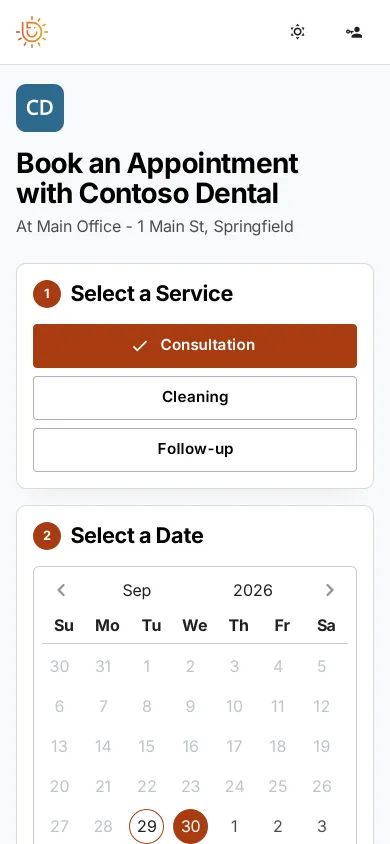
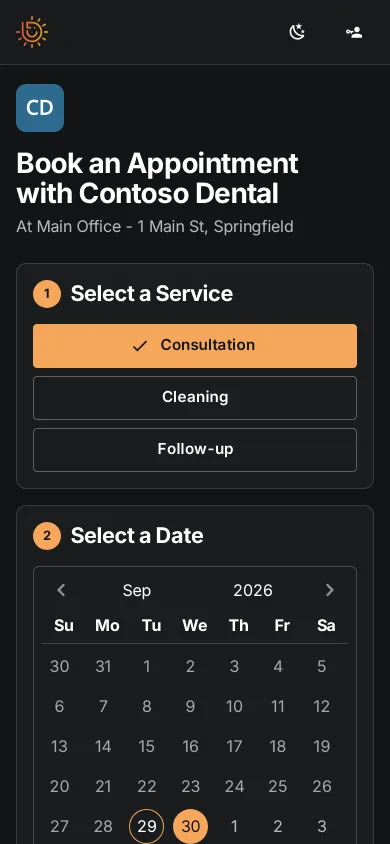
The booking page
Link to it from your website, your Google Business Profile or your emails. It works on phones and computers.
- Only open times are offered, within your hours and capacity
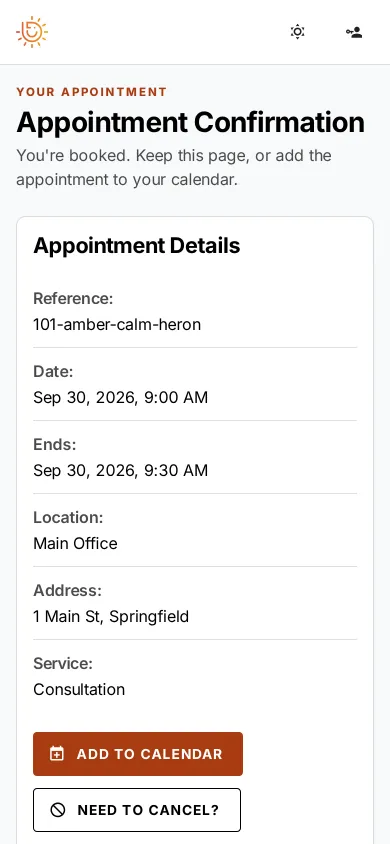
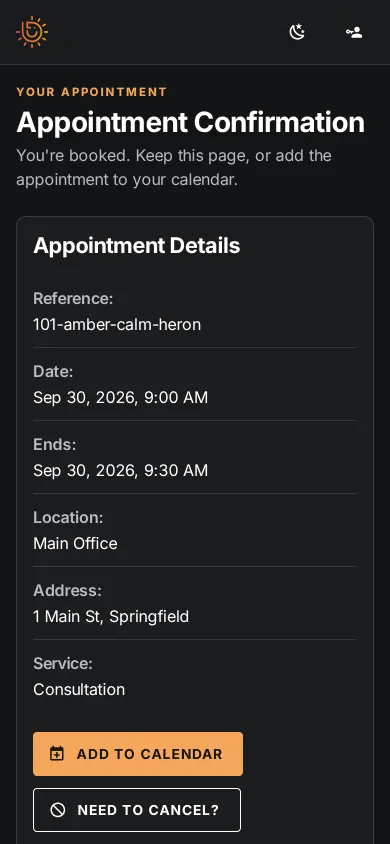
- A confirmation email with a calendar (.ics) file
- A confirmation page with Add to calendar and a cancel button
- Reminders by email, text or postcard, each with a way to cancel
- One link for the whole organization, with a location picker
For your team
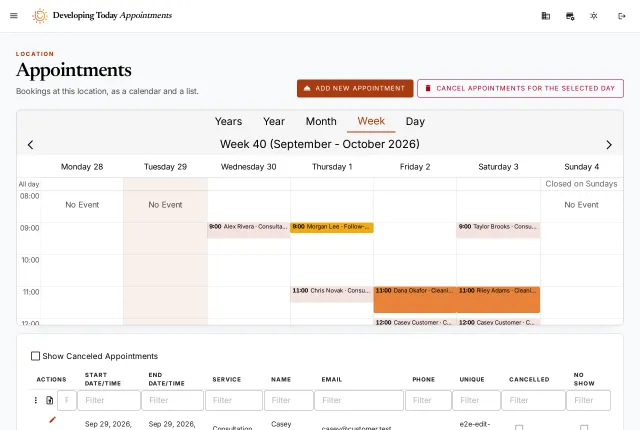
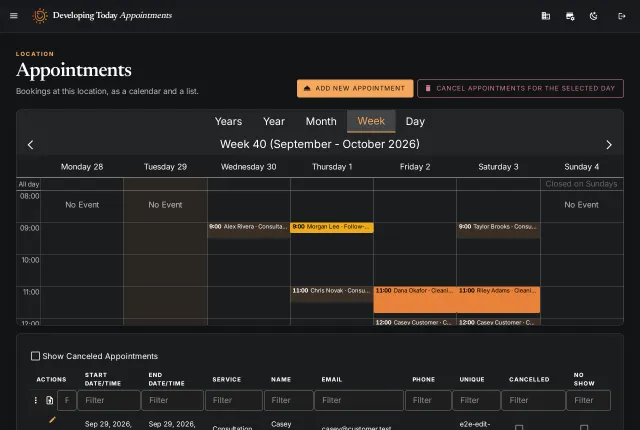
The appointments calendar
Bookings as a calendar, colored by service, and as a list you can filter and download.
- Move an appointment, and the customer is emailed a new calendar file
- Cancel a whole day
- Book for a customer by phone or at the desk
- Give staff access to one location or the whole organization
Who it's for
Who uses appointment scheduling
Public services
Many offices and services, with a limit on each time slot and one link for the whole network.
Clinics and practices
Appointments of set lengths, with time between them.
Salons and studios
Several services, each with its own length.
Consultants
Meetings within your hours, with a calendar file for the client.
Security, privacy and accessibility
Backups and monitoring
Your data is backed up every night, and the service is monitored around the clock.
SecuritySign-in and access
Staff sign in with Microsoft, Google or Apple, and see only the locations they're added to.
PrivacyWCAG 2.2 AA
Every page is tested with two accessibility checkers on every change.
Accessibility statement